
From Splunk to Sigma: Building and Validating Vendor-Neutral Detection Logic
A detection-engineering exercise using Sigma, Splunk, Windows telemetry, and Atomic Red Team to validate vendor-neutral detection logic


Over the last year and a half, I have focused heavily on preparing for a career in cybersecurity. During that time, I completed around 100 cybersecurity labs covering topics ranging from reconnaissance and enumeration to lateral movement, detection engineering, and incident response.
I built strong foundations in networking and security theory, earned several practical certifications, and spent countless hours working through realistic attack scenarios. I even created a small Splunk environment while preparing for the SPLK-1001 certification to deepen my understanding of SIEM fundamentals.
For a long time, I questioned whether building a SOC homelab was really necessary.
My reasoning was simple:
If I had already solved dozens of realistic cybersecurity scenarios online, involving real-world attacks, real-world logs, and real-world investigation techniques, what additional value could a homelab possibly provide?
After finally building one, I discovered the answer:
A lot.
And often in areas I never expected.
Platforms such as TryHackMe, Hack The Box, Blue Team Labs Online, and practical certifications provide excellent environments to develop cybersecurity skills.
However, they are preconfigured environments.
A SOC homelab is different.
Instead of being given a functioning environment and a challenge to solve, you become responsible for designing, building, securing, troubleshooting, documenting, and maintaining the entire infrastructure yourself.
In a real organization, security analysts do not operate in isolation. They work within an ecosystem composed of networks, servers, operating systems, logging infrastructure, Active Directory, firewalls, DNS, and countless interconnected services.
Building a homelab exposes you to all of these components.
Before starting the project, I expected to learn a bit more about Splunk.
What actually happened was that I ended up strengthening skills across multiple technical domains.
The first step involved designing and deploying the virtual environment itself.
This required decisions regarding:
These are concepts that security professionals encounter regularly but are often abstract when learned solely through courses.
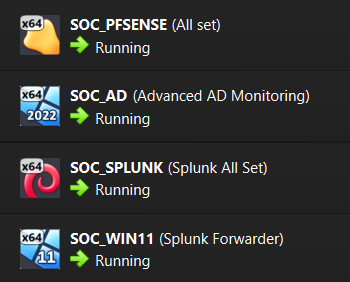
All four virtual machines running
Networking quickly became one of the most valuable learning areas.
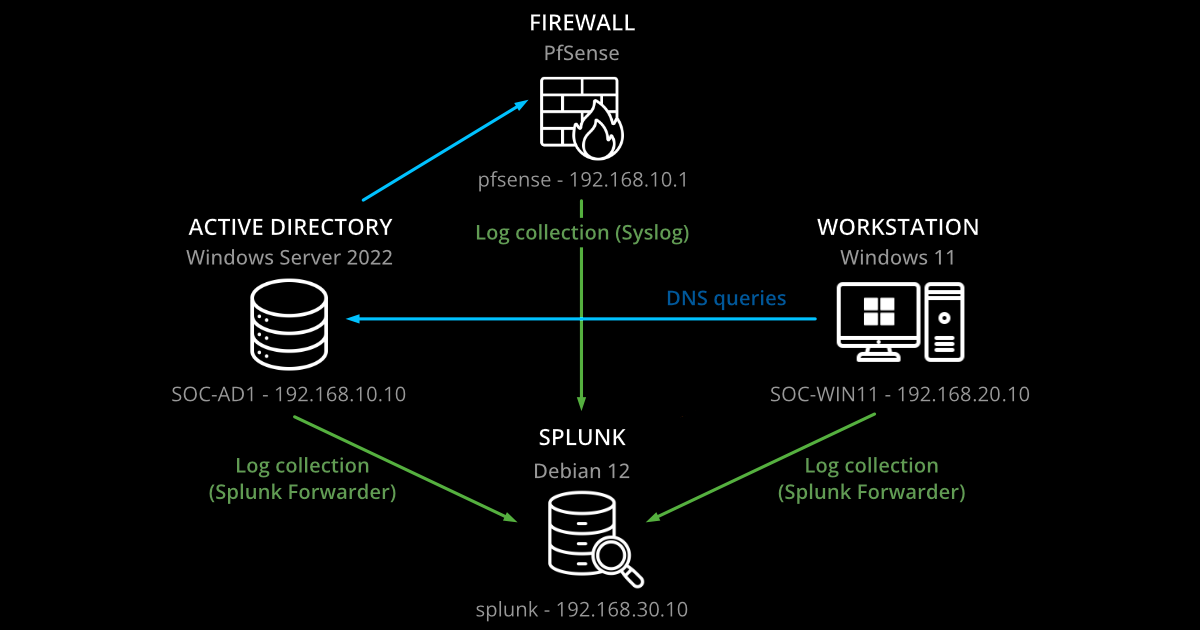
My lab included:
Building connectivity between these systems forced me to understand networking at a deeper level.
I spent significant time working with:
Many concepts that had previously existed only as theory suddenly became practical exercises with specific problems to solve.
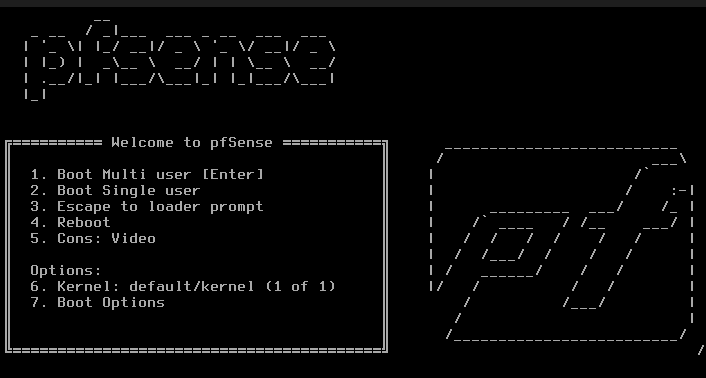
pfSense boot screen
A homelab naturally pushes you into system administration.
I found myself configuring:
This experience significantly improved my understanding of how enterprise environments operate.
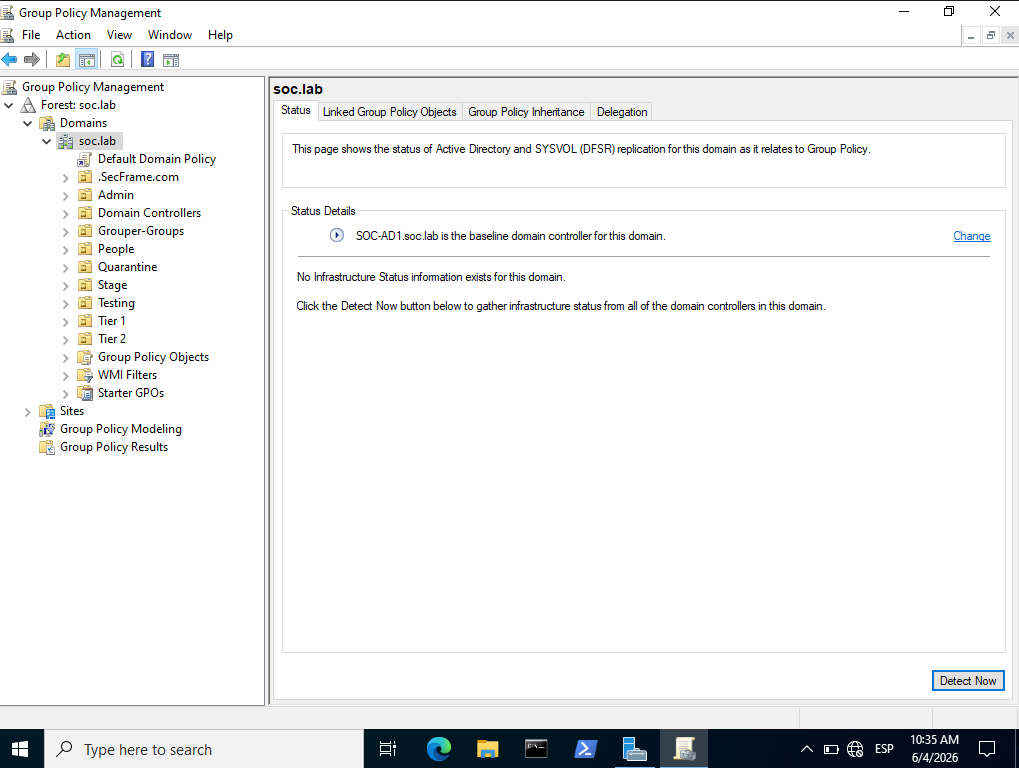
Windows Server Group Policy overview after BadBlood script
Deploying Splunk on a Debian virtual machine became an unexpected learning opportunity.
Working with a minimal installation forced me to become more comfortable with Linux administration tasks.
For example, I discovered that minimal installations do not even include sudo by default and require additional configuration.
Throughout the deployment process, I became increasingly comfortable with:
As a result, I was able to practice and freshen up my Linux command-line fluency.
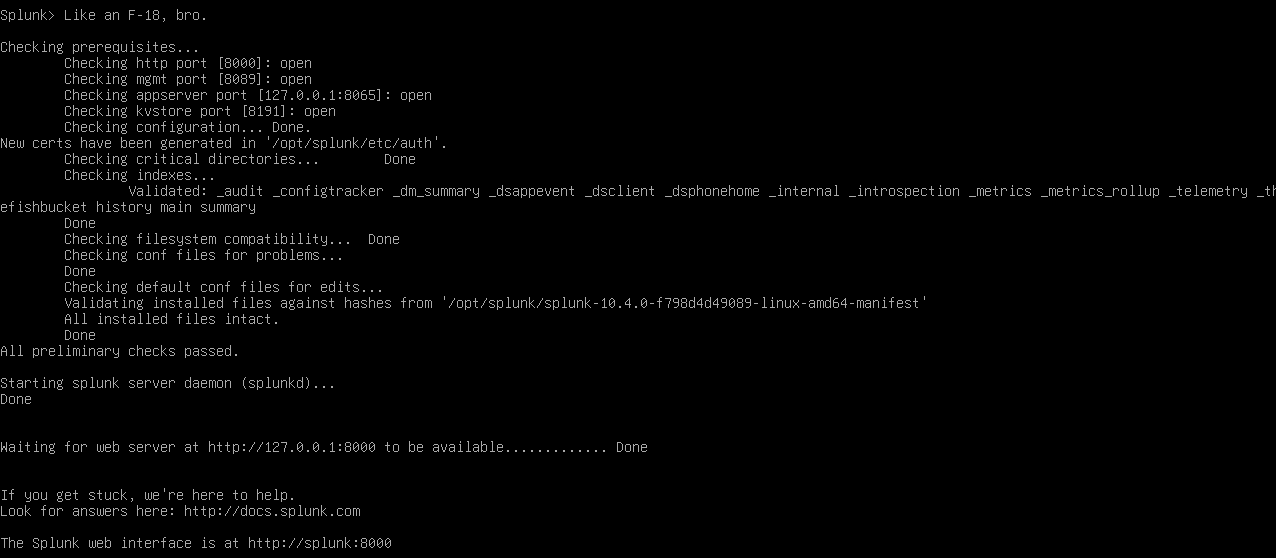
Splunk running on headless Debian 12
This was arguably the most valuable skill developed during the entire project.
Things rarely work perfectly the first time.
And that’s exactly where the learning happens.
Throughout the build process, I encountered issues involving:
Troubleshooting forced me to adopt a systematic approach. I learned to validate assumptions and isolate variables using tools such as:
pingnslookupTest-NetConnectionOne example involved investigating why Sysmon logs were not reaching Splunk from a particular workstation while other Windows logs were being ingested successfully. Tracing the issue required examining configurations, services, permissions, and forwarding settings before ultimately identifying the root cause.
These experiences closely resemble the type of investigative thinking required in a SOC environment.
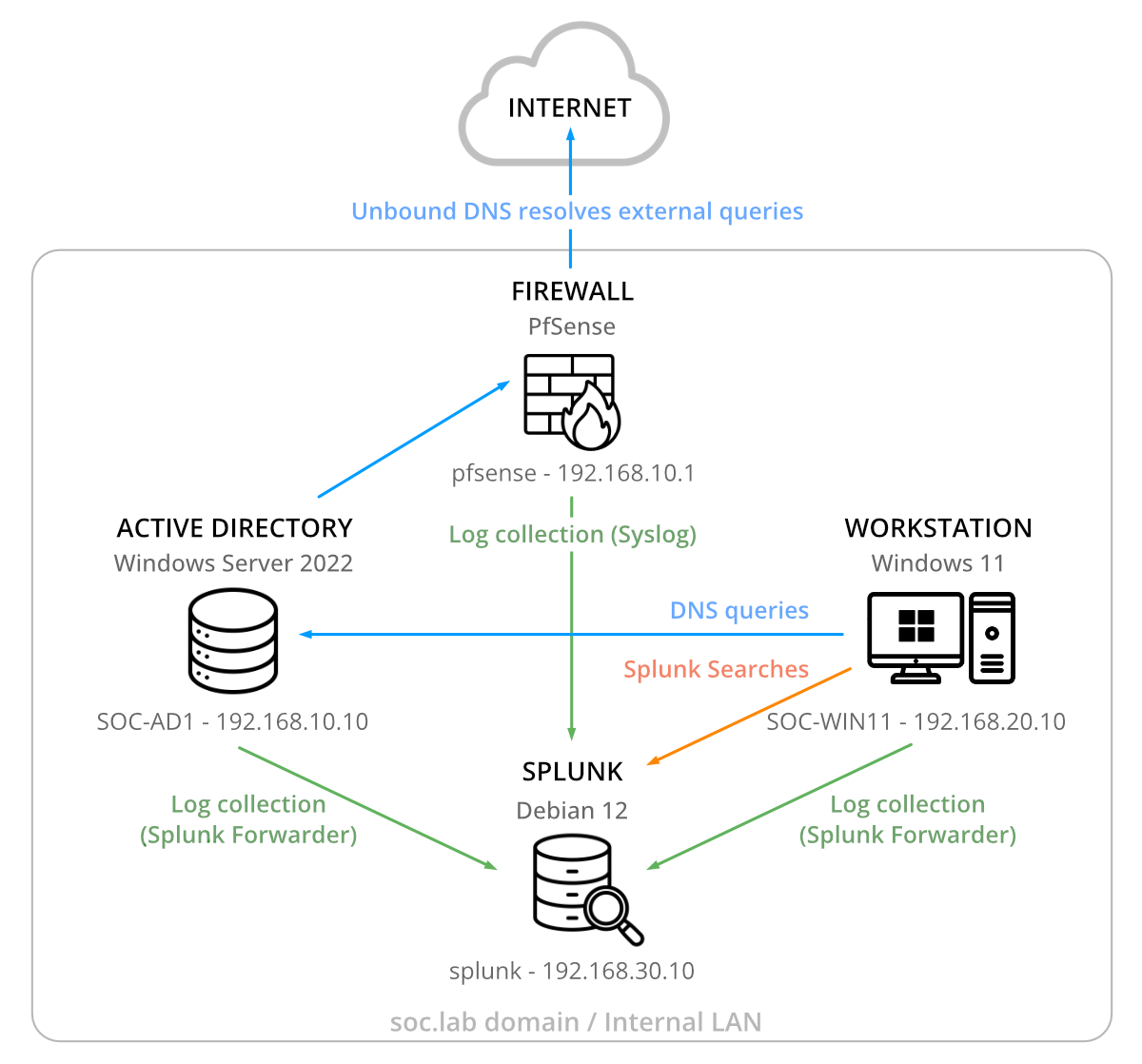
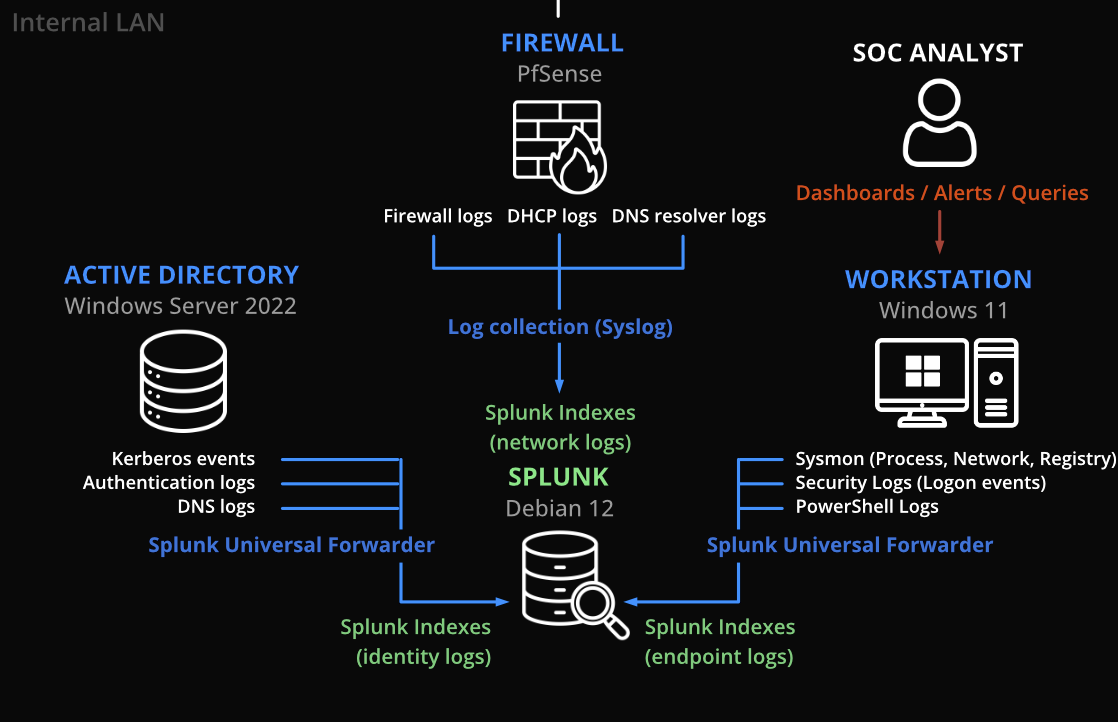
SOC homelab architecture overview
One of the biggest benefits of building a homelab is developing systems-level thinking.
In many training environments, technologies are learned independently: Active Directory, Splunk, Windows, Linux, Firewalls, Networking…
A homelab forces you to connect them.
You begin to understand questions such as:
This broader perspective is incredibly valuable because security analysts rarely investigate isolated systems. They investigate environments.
Understanding how the pieces interact provides context that significantly improves analytical capability.
One lesson I did not expect to learn was the importance of documentation.
Throughout the project, I documented:
This not only improved reproducibility but also strengthened my understanding of the environment itself.
Writing down what I was doing forced me to think critically about why I was doing it.
The process transformed a technical exercise into a structured learning experience.
Completing cybersecurity labs remains one of the best ways to learn security concepts and develop technical skills.
However, building a SOC homelab provides something different.
It transforms you from a participant operating inside an environment into the person responsible for creating and maintaining that environment.
For me, the project felt like a practical capstone to everything I had learned over the previous year and a half.
It allowed me to apply networking, system administration, Active Directory, Linux, Windows, Splunk, troubleshooting, and documentation skills within a single project while continuing to learn new things every day.
If you are pursuing a career in cybersecurity and have already completed online labs, certifications, and training platforms, I highly recommend building a SOC homelab.
You may start the project intending to learn more about security.
You will likely finish it having learned much more than that.
This is the first article in my SOC homelab series. Stay tuned for upcoming posts, where I’ll share deeper technical insights and real-world SOC practices. If you found this post helpful, feel free to clap, share, or leave a comment. I’d love to hear your thoughts!
A detection-engineering exercise using Sigma, Splunk, Windows telemetry, and Atomic Red Team to validate vendor-neutral detection logic
How to Validate PowerShell Detections in Splunk with Sysmon, Atomic Red Team, and MITRE ATT&CK
Exploring the new skills, technologies and investigative mindset behind TryHackMe's updated L2 curriculum