


TryHackMe SOC Level 2: What Changed, and What It Says About the Future of the SOC Analyst Role
Exploring the new skills, technologies and investigative mindset behind TryHackMe's updated L2 curriculum


Threat intelligence analysis is a critical skill for Security Operations Center (SOC) analysts. In this TryHackMe room, Invite Only, the objective is to investigate suspicious indicators such as IP addresses and file hashes and turn the findings into actionable threat intelligence.
This writeup walks through the investigative process used to analyze flagged indicators, identify related malware activity, and connect them to a known threat campaign. The exercise reflects real-world SOC workflows where analysts must pivot between indicators and correlate information from threat intelligence sources.
You are an SOC analyst on the SOC team at Managed Server Provider TrySecureMe. Today, you are supporting an L3 analyst in investigating flagged IPs, hashes, URLs, or domains as part of incident response activities. One of the L1 analysts flagged two suspicious findings early in the morning and escalated them.
Your task is to analyse these findings further and distil the information into usable threat intelligence.
Flagged IP:
101[.]99[.]76[.]120
Flagged SHA256 hash:
5d0509f68a9b7c415a726be75a078180e3f02e59866f193b0a99eee8e39c874f
The organization recently purchased a new threat intelligence search application called TryDetectThis2.0. You can use this application to gather information about the indicators above.
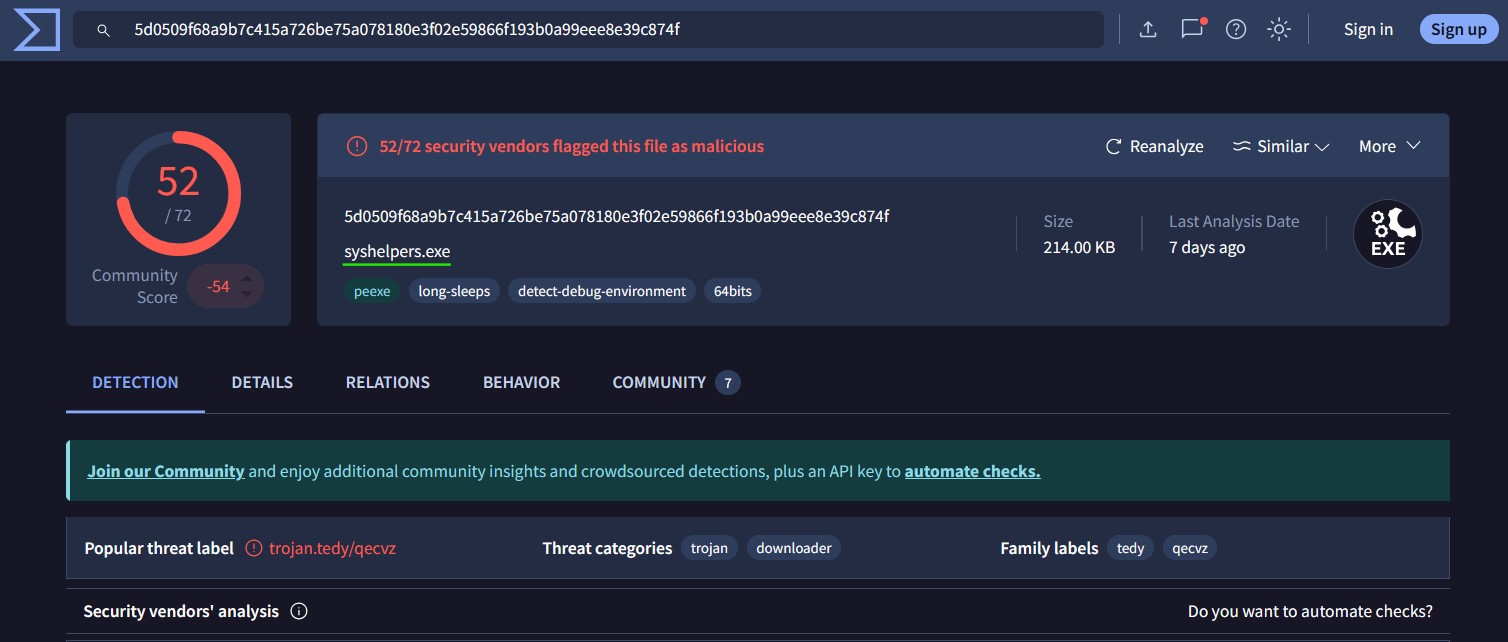
Answer: syshelpers.exe
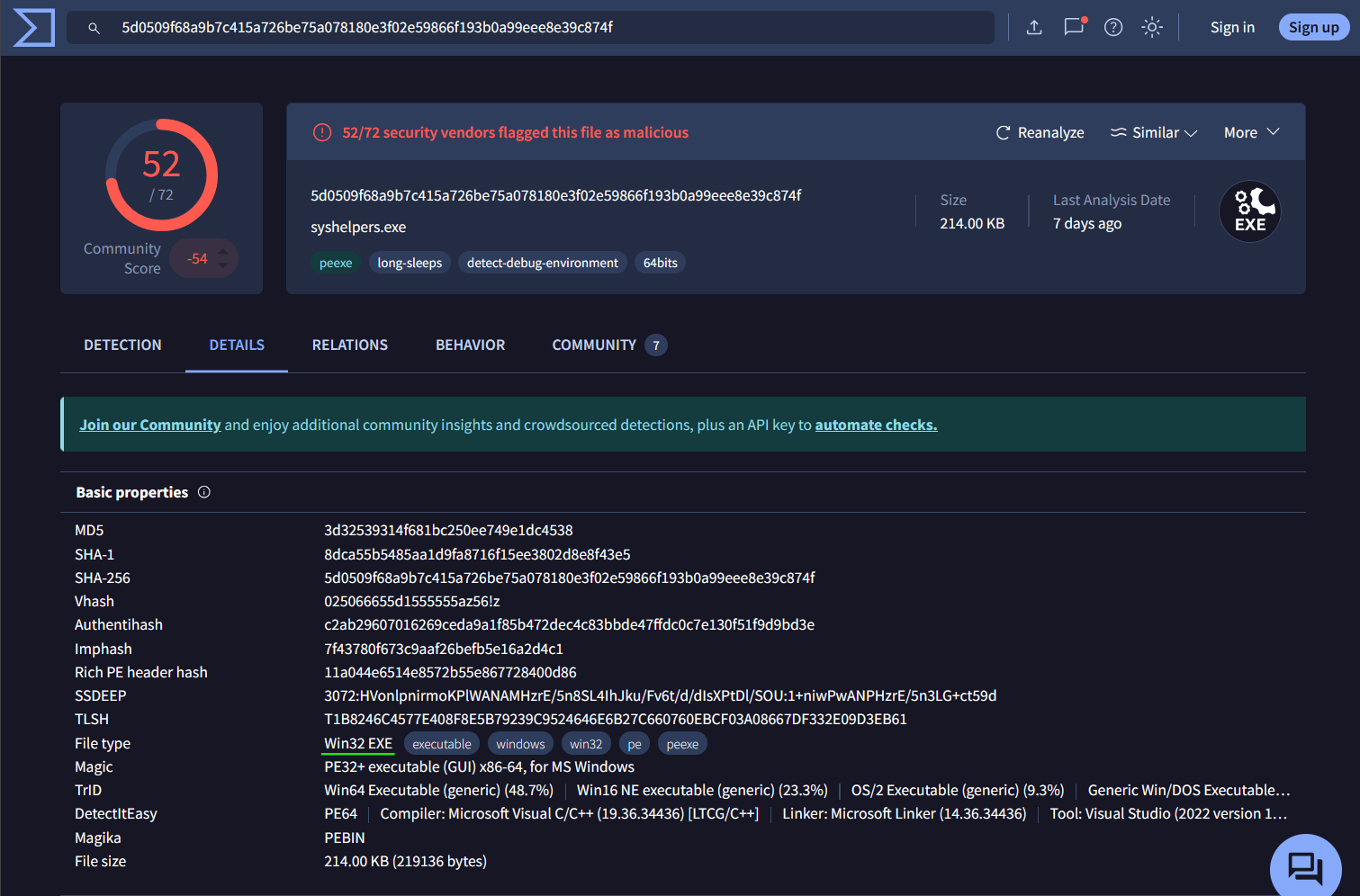
Answer: Win32 EXE
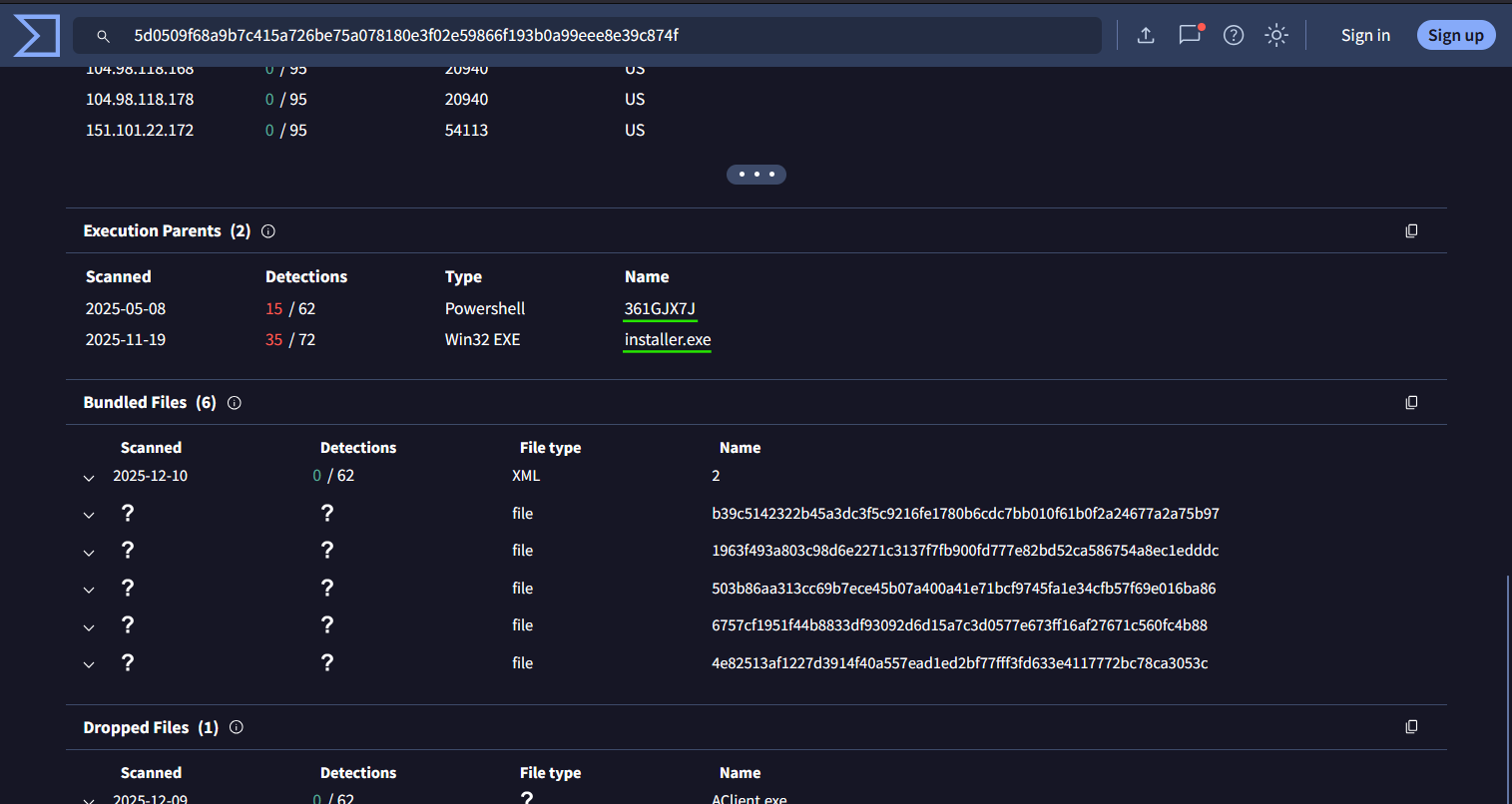
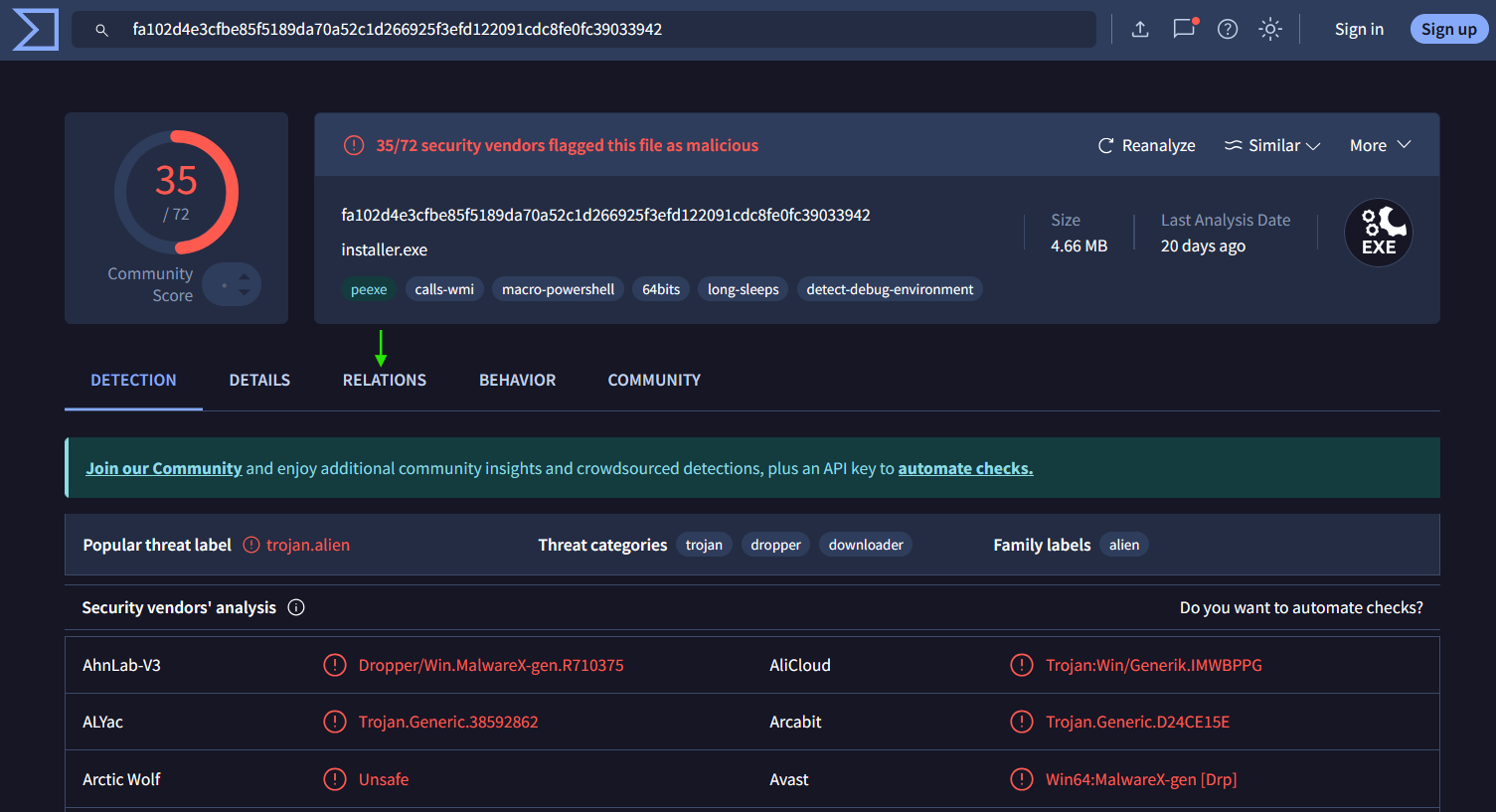
Answer: 361GJX7J,installer.exe
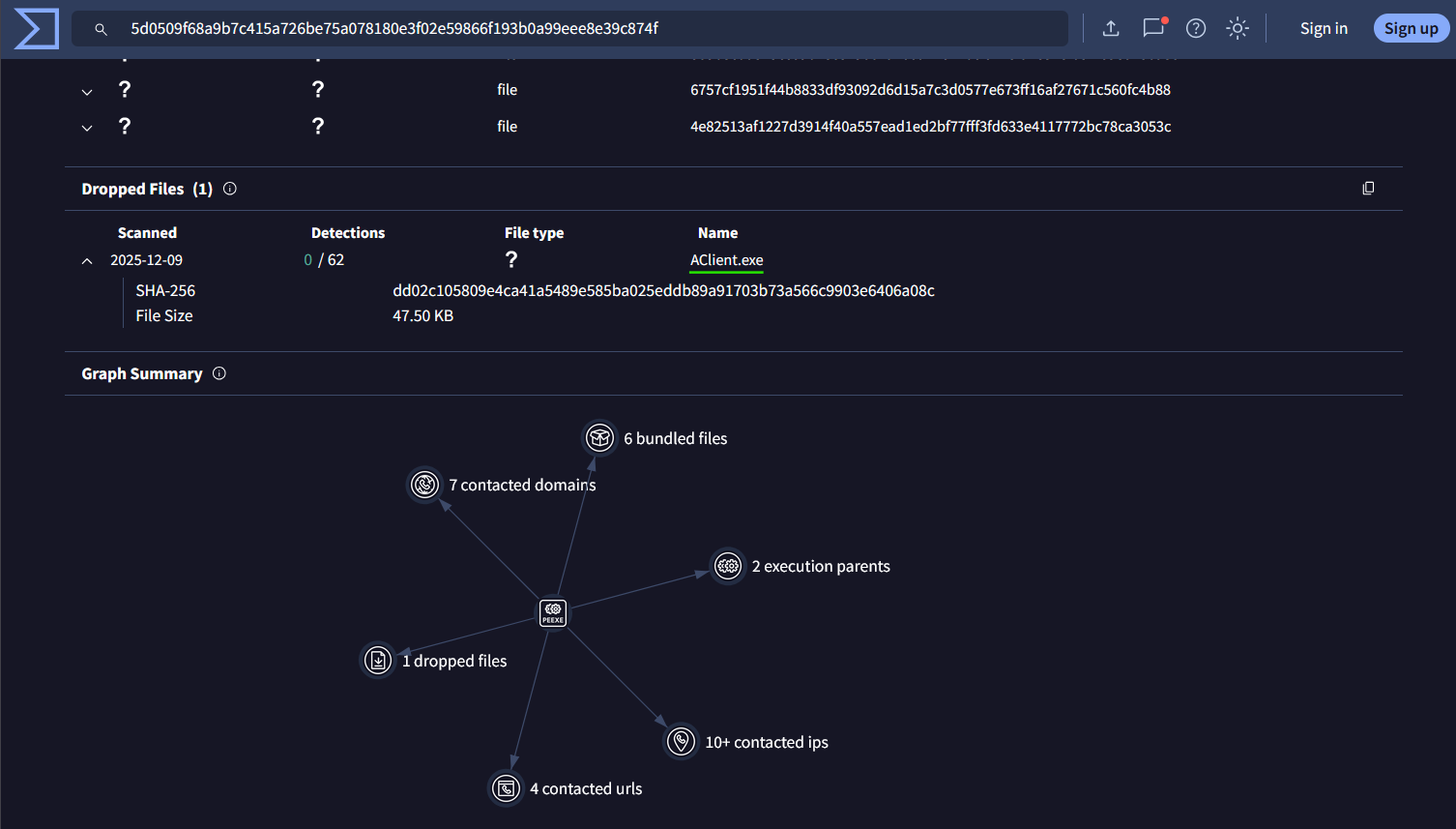
Answer: Aclient.exe
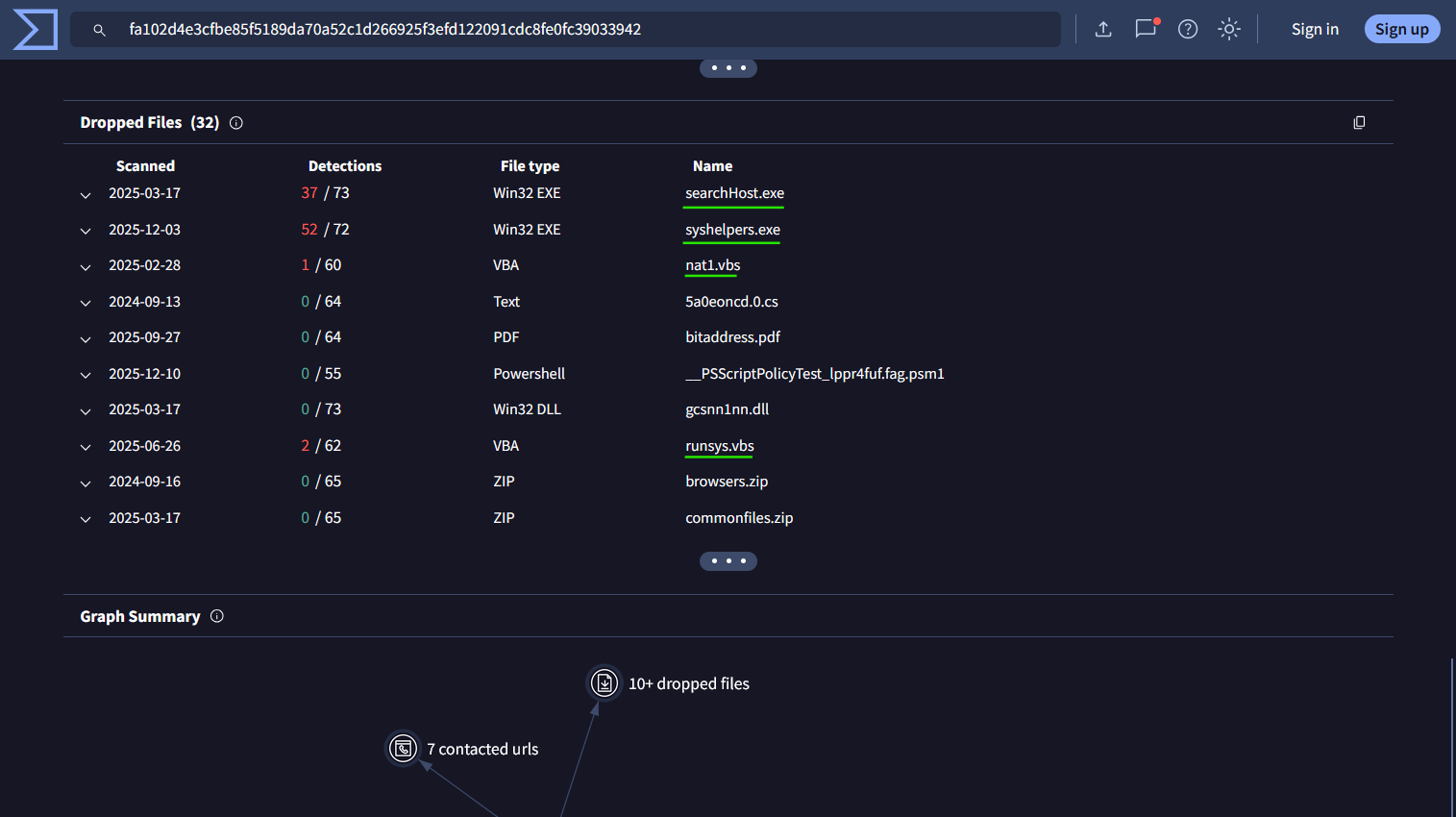
Answer: searchhost.exe,syshelpers.exe,nat.vbs,runsys.vbs
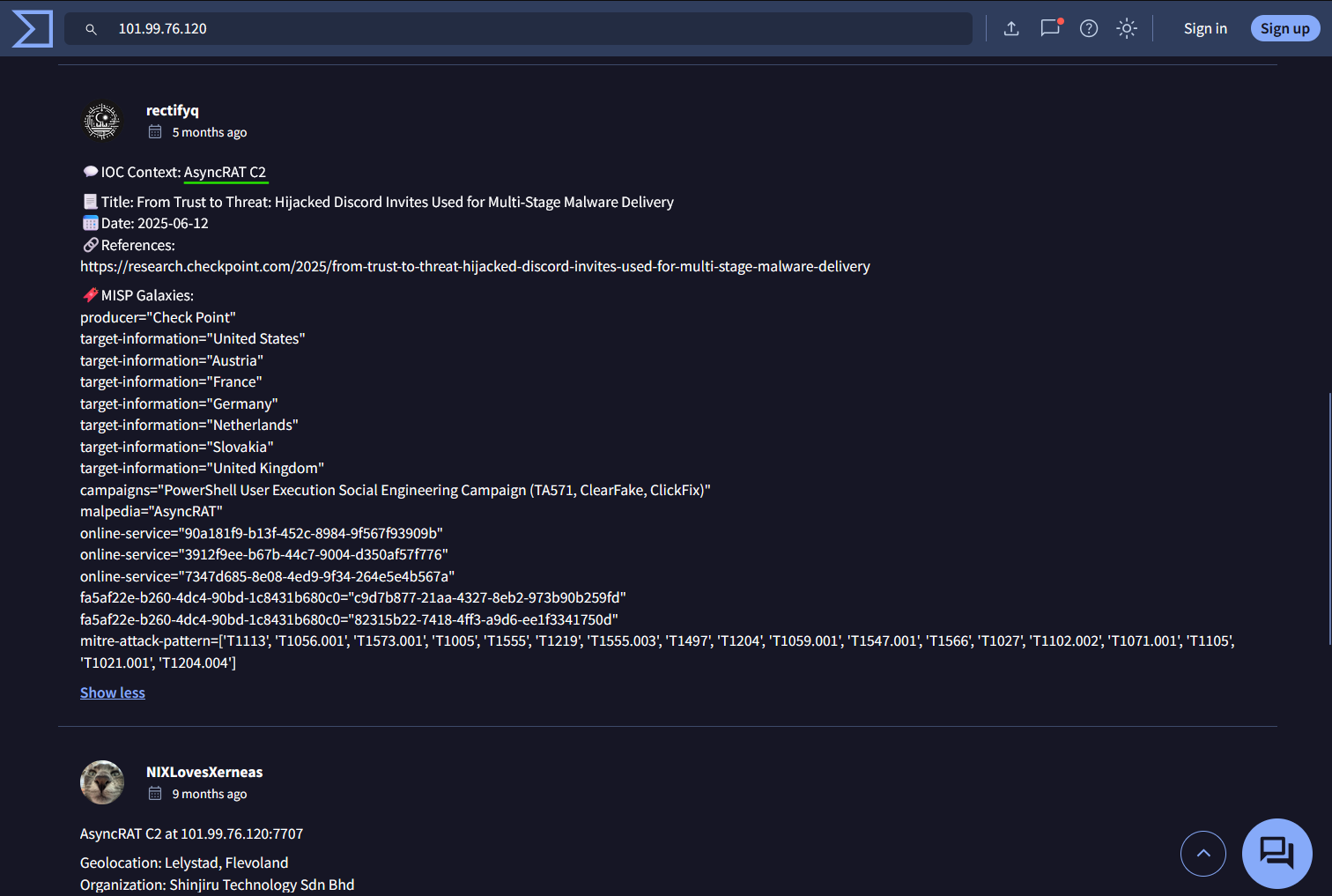
Answer: asyncrat
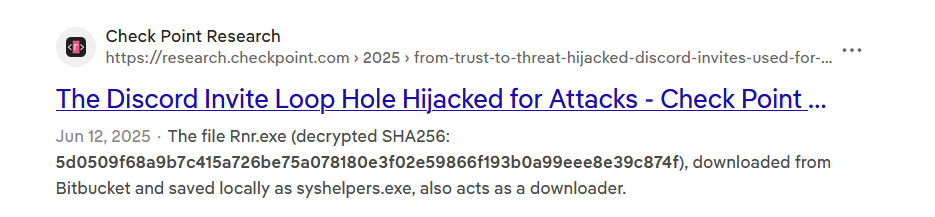
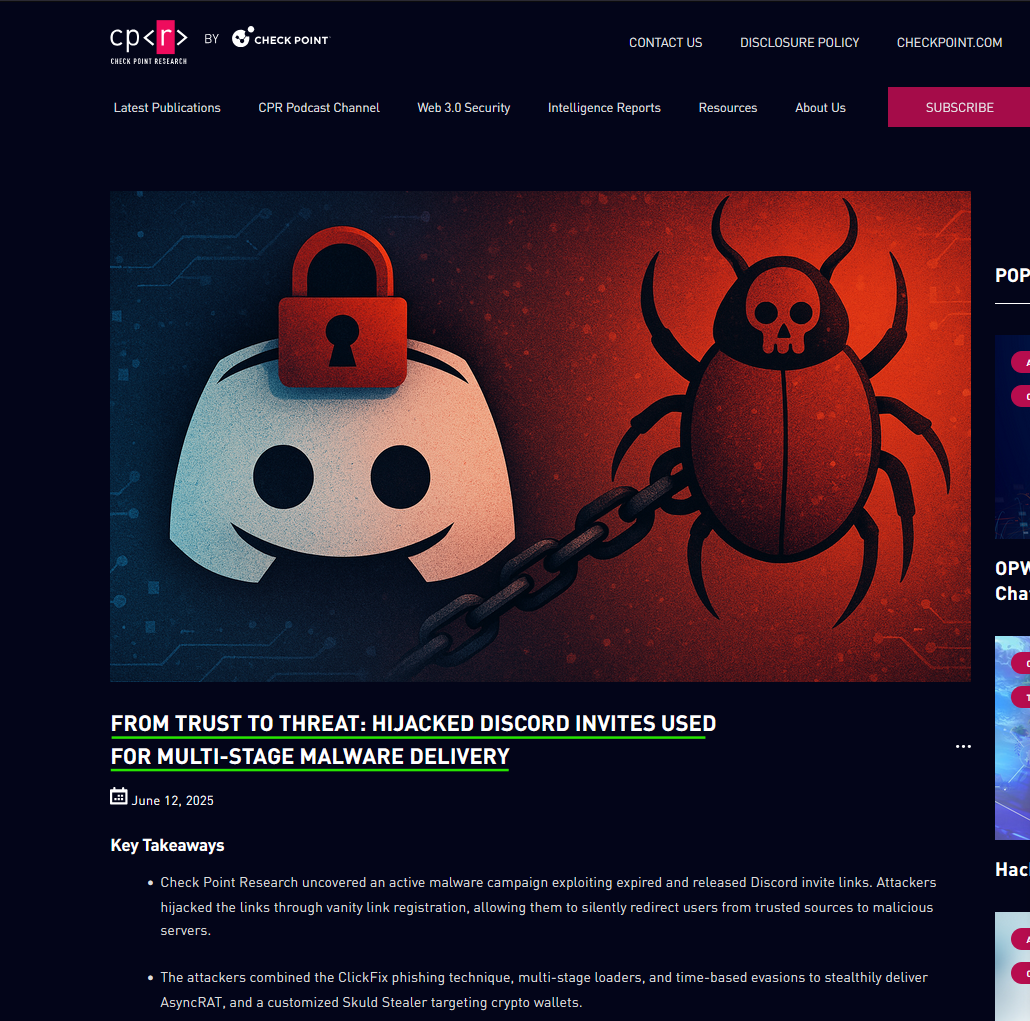
Answer: From Trust to Threat: Hijacked Discord Invites Used for Multi-Stage Malware Delivery
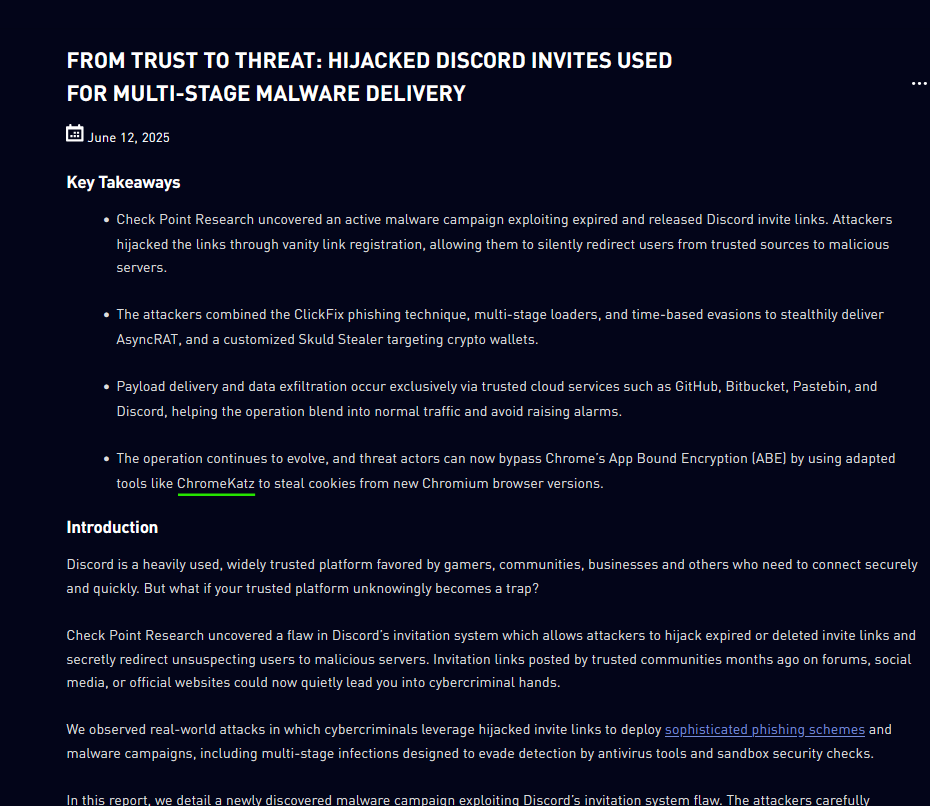
Answer: ChromeKatz
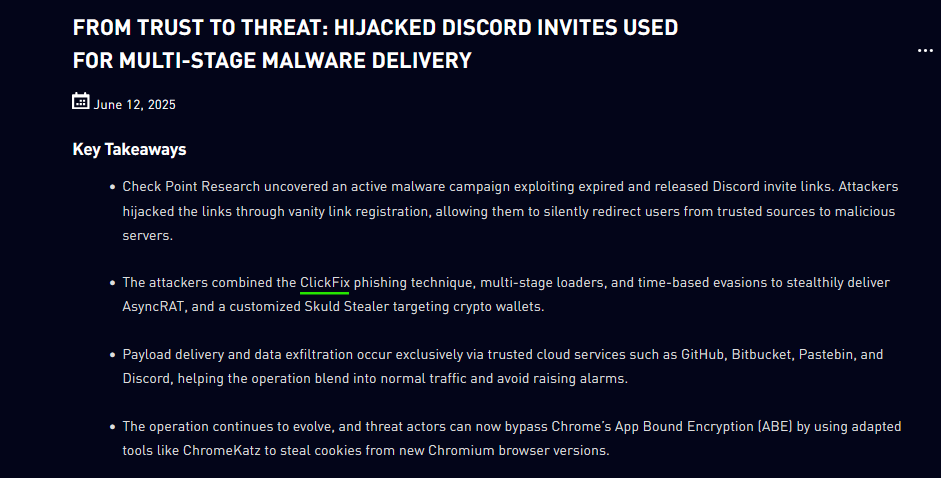
Answer: ClickFix
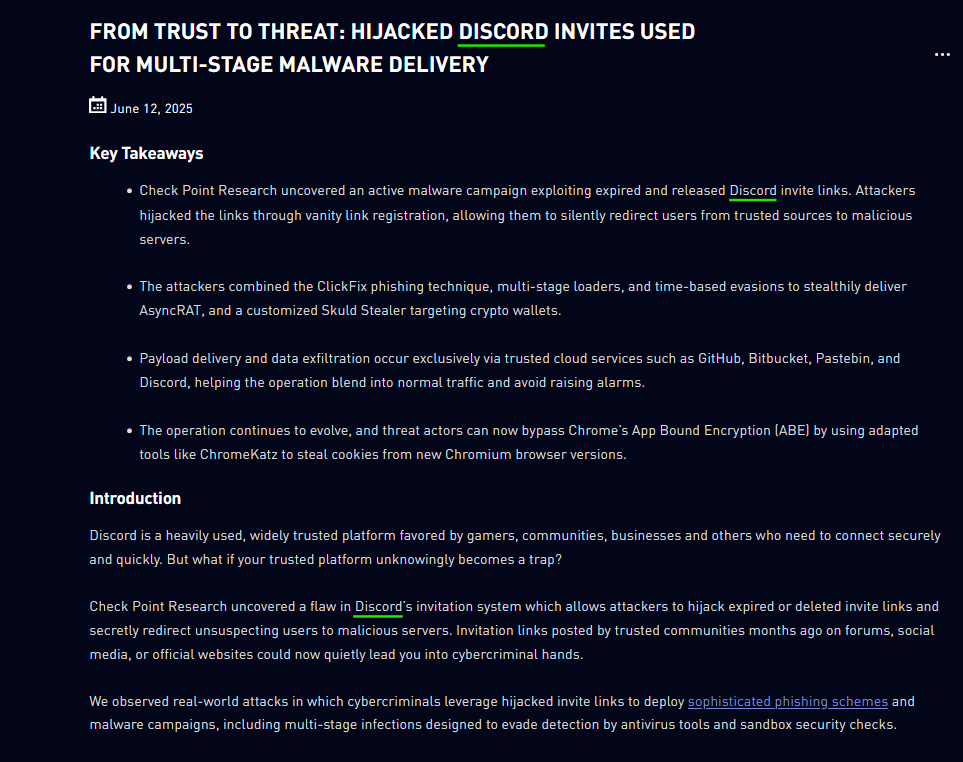
Answer: Discord
This room demonstrates how security analysts investigate suspicious indicators and correlate them with known threat intelligence. By analyzing hashes, reviewing dropped files, and pivoting across related indicators, it becomes possible to identify malware families and connect activity to known attack campaigns.
Exercises like this help develop practical threat intelligence skills such as indicator analysis, campaign correlation, and malware investigation. These skills are essential for security analysts who need to quickly identify and respond to evolving threats in real-world environments.
Exploring the new skills, technologies and investigative mindset behind TryHackMe's updated L2 curriculum
A Complete Write-Up Demonstrating Real SOC Investigation Methodology
A hands-on path into modern blue team operations