

TryHackMe SOC Level 2: What Changed, and What It Says About the Future of the SOC Analyst Role
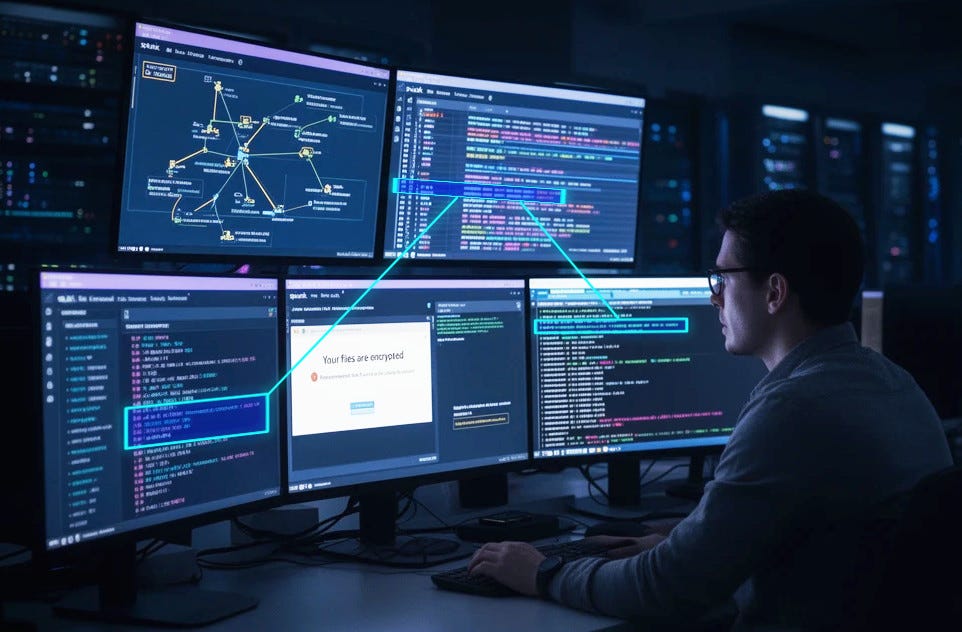
Exploring the new skills, technologies and investigative mindset behind TryHackMe's updated L2 curriculum


As a Security Analyst in a Blue Team role, mastering tools and techniques for defending networks and systems is crucial. One such essential tool in your arsenal is regular expressions (regex) — a powerful method for searching, analyzing, and filtering vast amounts of data, often used in log analysis, intrusion detection systems (IDS), and incident response. In this write-up, we will explore the Regular Expressions **CatRegex** room on TryHackMe, walking through regex challenges that are directly applicable to Blue Team operations, helping you detect suspicious activity and identify security threats quickly.
[cog][cfh]at[CcHh]at[Ff]ile[1-9][Ff]ile[^7].at[Cc]ats?cat\.xyz[ch]ats?\.xyz...[^n-z][^r]ats?cats{4}[Cc]ats*regex go br+[abc]{1,3}[01]{4}[Ff]ile\d{1,2}kali\s+tools\w{5}\WPassword:[^0]{10}^username:\s^\DEOF\$$I use (nano|vim)Regular expressions (regex) are not just for developers or pentesters — they are an invaluable skill for any Blue Team or SOC analyst. Whether you’re analyzing logs, creating rules for intrusion detection systems (IDS), or writing custom scripts for incident response, regex helps streamline these processes, making it easier to detect malicious activity and respond to security incidents.
By mastering these regex patterns through exercises like those in the Regular Expressions CatRegex room on TryHackMe, you’ll be better equipped to defend against cyber threats and maintain the integrity of your organization’s network. Keep refining your skills, and stay vigilant — effective detection and response are key to securing any organization.
Exploring the new skills, technologies and investigative mindset behind TryHackMe's updated L2 curriculum
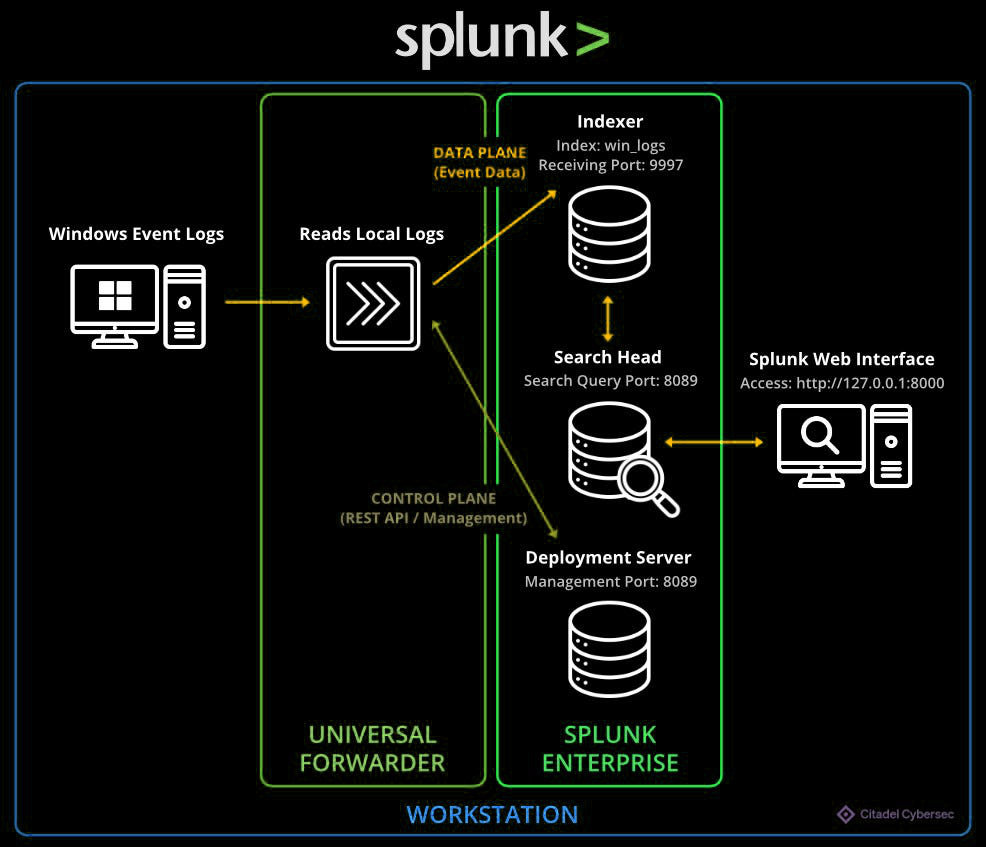
Hands-on Splunk investigation covering ransomware deployment, persistence mechanisms, lateral movement, and AWS data exfiltration
A SOC Threat Intelligence Investigation into Brute Force, File Upload Exploitation, and Web Shell Persistence